Trading Charts Logo

Real financial data in Figma. No more screenshots.

Stop manually tracing screenshots or drawing fake candles with the rectangle tool. Generate accurate, editable vector charts for hundreds of real-world instruments across Stocks, Crypto, and Forex.

Try Free
5 free charts/mo • No credit card required
Costs less than 15 minutes of your hourly rate. But prove the value first. Start with 5 free charts, no credit card required.
Free
$0
5 charts/month
Major Market Movers (AAPL, BTC, etc.)
Pro
$15/mo
Unlimited charts
Full Instrument Database
Advanced Design Controls
Commercial License
Upgrade to Pro
Enterprise
$29/mo
Everything in Pro, plus:
Direct Developer Access
Influence the Roadmap
Early access to betas
Get Enterprise
Cancel anytime, no questions asked.
Secure payment via
Stripe logo
Figma app logo
Figma Plugin

The Figma Chart Plugin for Professional Financial Data

Multi-Asset Support
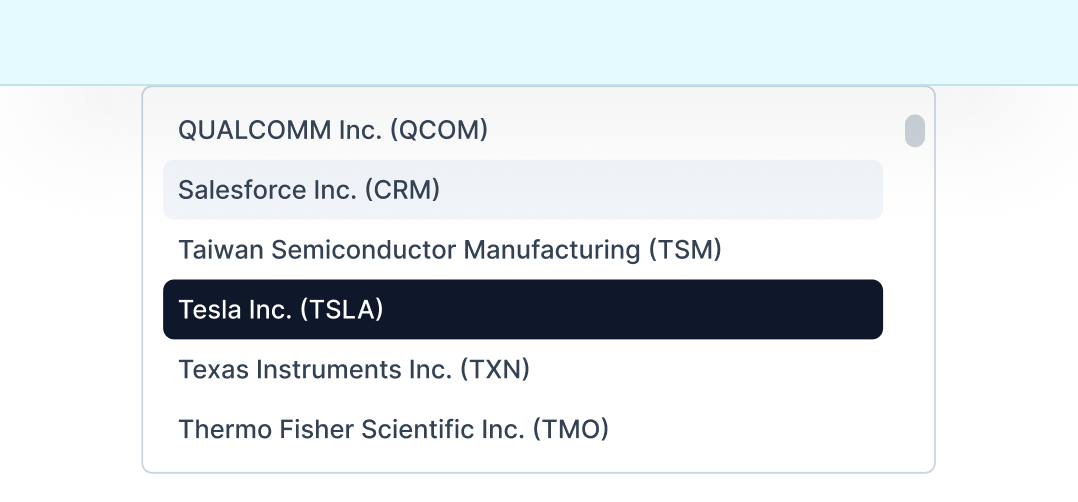
List of technology company names with stock symbols: NVIDIA Corporation (NVDA), Oracle Corporation (ORCL), Palantir Technologies Inc. (PLTR) highlighted, and PayPal Holdings Inc. (PYPL).

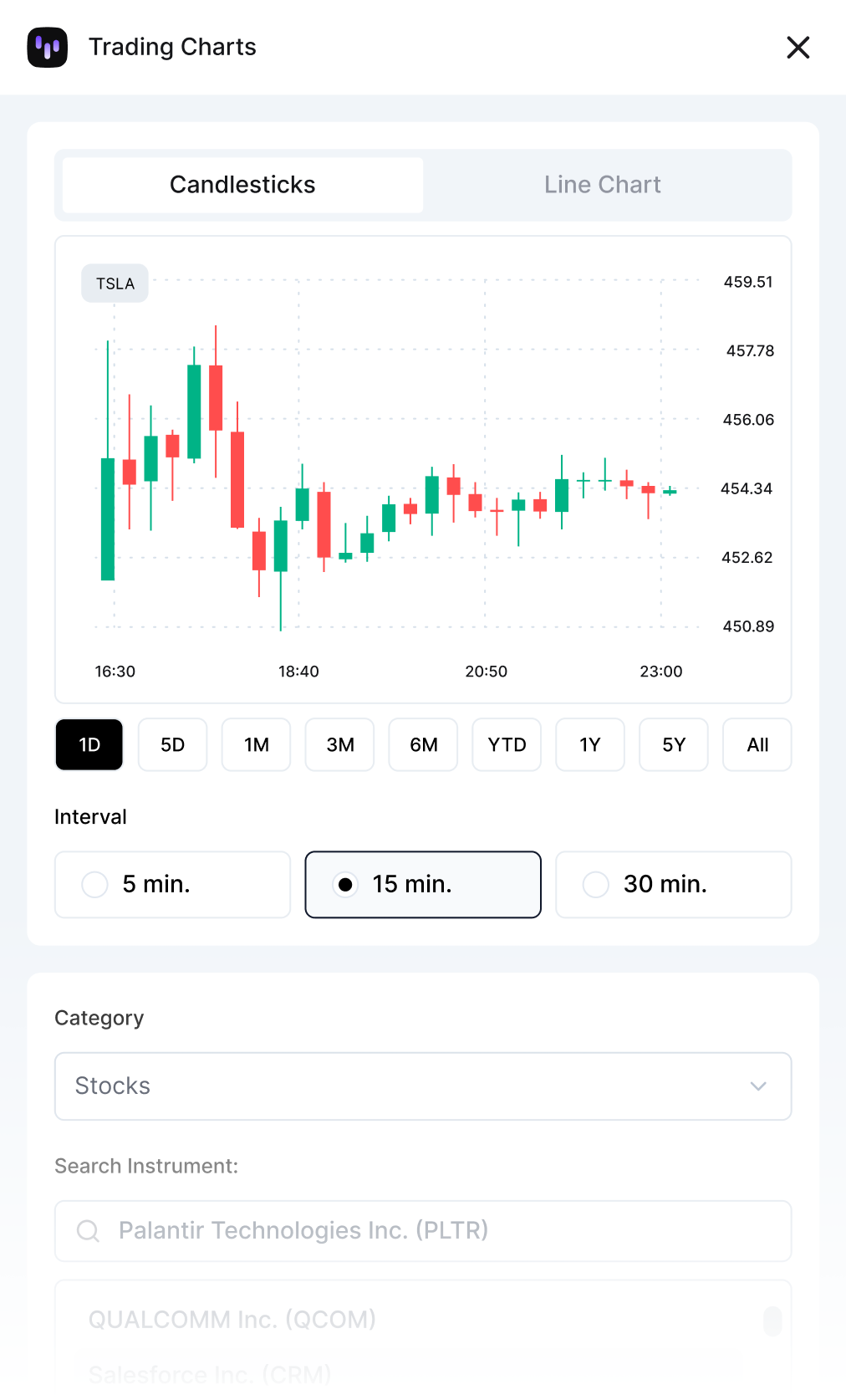
Search the instruments that matter. From tech giants like NVIDIA and Apple to major crypto assets and forex pairs. If it's moving the market, you can chart it.

Visualizing Market Trends
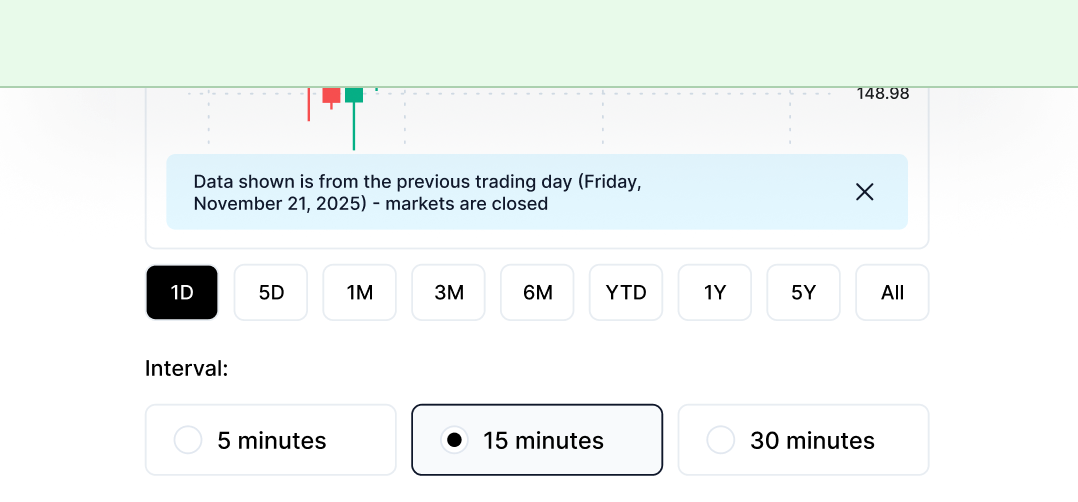
Grid of black buttons labeled 1D, 5D, 1M, 3M, 6M, YTD, 1Y, 5Y, and All on a dark gradient background.

Choose from seven timeframes ranging from 1 day to 5 years (plus YTD and All-time), and pair them with seven interval options that span from 5-minute intraday bars to weekly candles. This flexibility means you can show exactly the market period and granularity your design needs, whether that's a quick intraday spike or a long-term trend over years.

Full Design Control
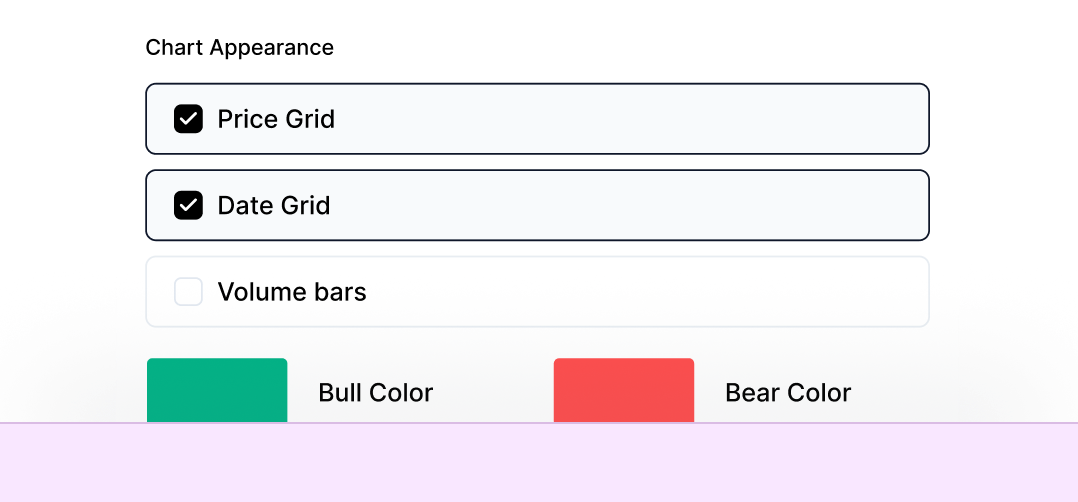
Two labeled colored rectangles: a green rectangle labeled Bear Color above a red rectangle labeled Bull Color on a dark blurred background.

You get complete design control over every visual element. Set custom bull and bear colors to match your brand, adjust stroke weights from hairline to bold, toggle price and date grids on or off, show or hide volume bars, enable transparent backgrounds for overlays, and generate charts at any canvas size from thumbnail to presentation-ready. The live preview updates instantly as you adjust these settings, so you see exactly what you'll get in Figma before you generate.

Two Chart Types
Two Tesla Inc. stock charts both showing price $362.55 and a 1.48% decrease with Tesla icon.

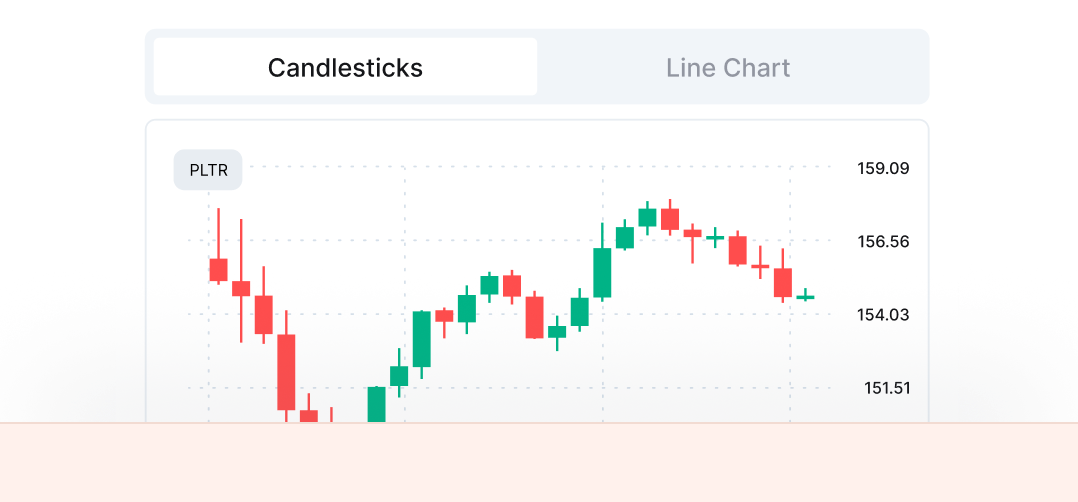
Trading Charts supports two chart types: candlestick charts that display full OHLC (open, high, low, close) data with proper wicks and bodies, and clean line charts that visualize closing price trends. Both chart types use the same layout system and customization options, giving you the right visualization for whatever you're designing.

List of technology company names with stock symbols: NVIDIA Corporation (NVDA), Oracle Corporation (ORCL), Palantir Technologies Inc. (PLTR) highlighted, and PayPal Holdings Inc. (PYPL).
6,000+ Instruments

Trading Charts connects directly to Capital.com's API, giving you instant access to over 6,000 instruments across every major asset class. Search for any stock like AAPL, TSLA, or NVDA, jump into crypto with BTC, ETH, or SOL, analyze forex pairs like EUR/USD and GBP/USD, track indices including the S&P 500 and NASDAQ, monitor commodities like Gold and Oil, or work with popular ETFs such as SPY and QQQ.

Grid of black buttons labeled 1D, 5D, 1M, 3M, 6M, YTD, 1Y, 5Y, and All on a dark gradient background.
7 Timeframes, 7 Intervals

Choose from seven timeframes ranging from 1 day to 5 years (plus YTD and All-time), and pair them with seven interval options that span from 5-minute intraday bars to weekly candles. This flexibility means you can show exactly the market period and granularity your design needs, whether that's a quick intraday spike or a long-term trend over years.

Two labeled colored rectangles: a green rectangle labeled Bear Color above a red rectangle labeled Bull Color on a dark blurred background.
Full Design Control

You get complete design control over every visual element. Set custom bull and bear colors to match your brand, adjust stroke weights from hairline to bold, toggle price and date grids on or off, show or hide volume bars, enable transparent backgrounds for overlays, and generate charts at any canvas size from thumbnail to presentation-ready. The live preview updates instantly as you adjust these settings, so you see exactly what you'll get in Figma before you generate.

Two Tesla Inc. stock charts both showing price $362.55 and a 1.48% decrease with Tesla icon.
Two Chart Types

Trading Charts supports two chart types: candlestick charts that display full OHLC (open, high, low, close) data with proper wicks and bodies, and clean line charts that visualize closing price trends. Both chart types use the same layout system and customization options, giving you the right visualization for whatever you're designing.

Built for the moments that matter

For the Designer
Forget pixelated PNGs. Every chart generates as a clean, native Figma vector stack. Map Bull/Bear colors to your local variables, adjust stroke weights, and toggle grids to match your UI kit perfectly.
For the Product Owner
Don't risk due diligence on "Lorem Ipsum" charts. Pitch with confidence using real historical OHLC data. Whether you need major tech stocks or leading crypto assets, the data is real.
For Marketing & Content
Need a market update for a landing page or a "Market Movers" social post? Stop waiting on screenshots. Generate high-fidelity, branded financial visuals in the time it takes to open a browser tab.

Questions?

Get the details on features, pricing, and data sources

Is this real market data or just placeholder charts?

Yes. I connected the plugin directly to the Capital.com API - the same data source institutional traders use. When you generate a chart for AAPL or BTC, it pulls actual historical OHLC prices. No fake data, no "Lorem Ipsum" visuals. The data updates daily, so you can always regenerate a chart to get the latest price action.

Can I customize the charts to match my design system?

Absolutely. I built the generator to respect your workflow. You can map Bull/Bear colors to your brand palette, adjust stroke weights, and toggle grids or volume bars. The output is clean, organized native vector layers - not a messy group of random shapes, so you can easily tweak the design after generation.

What happens when I hit my free chart limit?

You'll see a prompt to upgrade to Pro for unlimited access. Your existing charts are yours - they stay in your Figma files and I will never watermark or remove them. You just won't be able to generate new ones until the next month starts, or until you upgrade. You can cancel the subscription anytime.

What if I need a symbol that isn't in the search results?

I've curated hundreds of the most actively traded instruments across Stocks, Crypto, and Forex - the ones we actually use in product designs. If you need a specific ticker for a project, just let me know. I push updates frequently and can usually add requested symbols within 24-48 hours.

How secure is my payment information?

I don't handle your payment information at all - that is 100% Stripe's job. They are PCI-DSS Level 1 certified and process billions for companies worldwide. Your details go directly to their encrypted servers and never touch my system. You can manage your subscription or download invoices through Stripe's secure portal without ever needing to email me.

User interface showing candlestick trading chart for Palantir Technologies Inc. with daily intervals and 15-minute time frame selected, alongside a stock category dropdown and instrument search list including Amazon, Apple, Tesla, and Palantir.